
Friendly Support You Can Trust
You’re welcoming someone into your home, so trust matters.
With decades of professional IT experience and a genuine passion for helping seniors, I provide friendly, patient technology support that’s practical, easy to understand and tailored to your needs.
Every visit is focused on helping you feel more confident using your technology—without pressure or confusing technical jargon.
Who do I help?
- Seniors
- Retirees
- Residential Aged Care residents
- Retirement village residents
- Support At Home / CHSP recipients
- Adult children helping Mum or Dad
Is technology becoming frustrating?
If you’ve ever thought…
- “My printer never works”.
- “My Wi-Fi keeps dropping out.”
- “I don’t understand my new phone.”
- “I’m worried about online scams.”
- “My TV remote is too confusing.”
- “I keep forgetting my passwords.”
- “I don’t know who to trust.”
- “I wish someone would just explain it simply.”
You’re not alone.
Technology should make life easier—not more stressful. I’m here to help, patiently and at your pace.
How I can help
Whether you need help solving a technology problem, learning how to use a new device, or making your home technology safer and easier to use, there’s a service designed to help.
Every service is delivered in the comfort of your own home with friendly, patient support, clear explanations and no confusing technical jargon—helping you stay connected, safe and confident with technology.
Not sure which service is right for you? That’s perfectly okay. Get in touch and we’ll talk through your situation together. If you only need help with one issue, we’ll recommend the simplest solution.
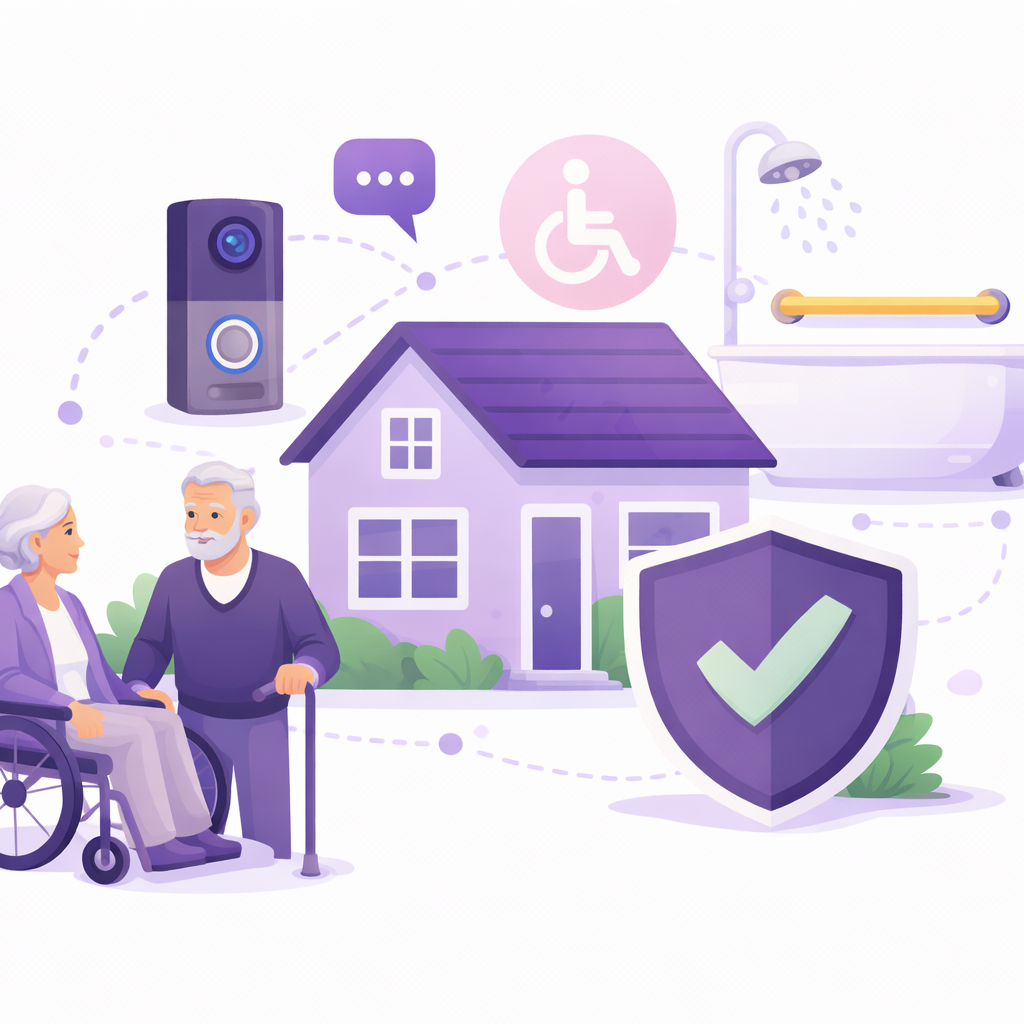
1. Home IT Safety & Accessibility Plan
This service is ideal if you…
- You’re seeking an independent plan outlining all possible IT solutions for longer independent living at home.
- Every practical IT option identified that makes daily living safer and easier.
- All relevant safety options clearly mapped enabling faster help in emergencies.
- Want to be better informed if/when you are seeking Support At Home services.
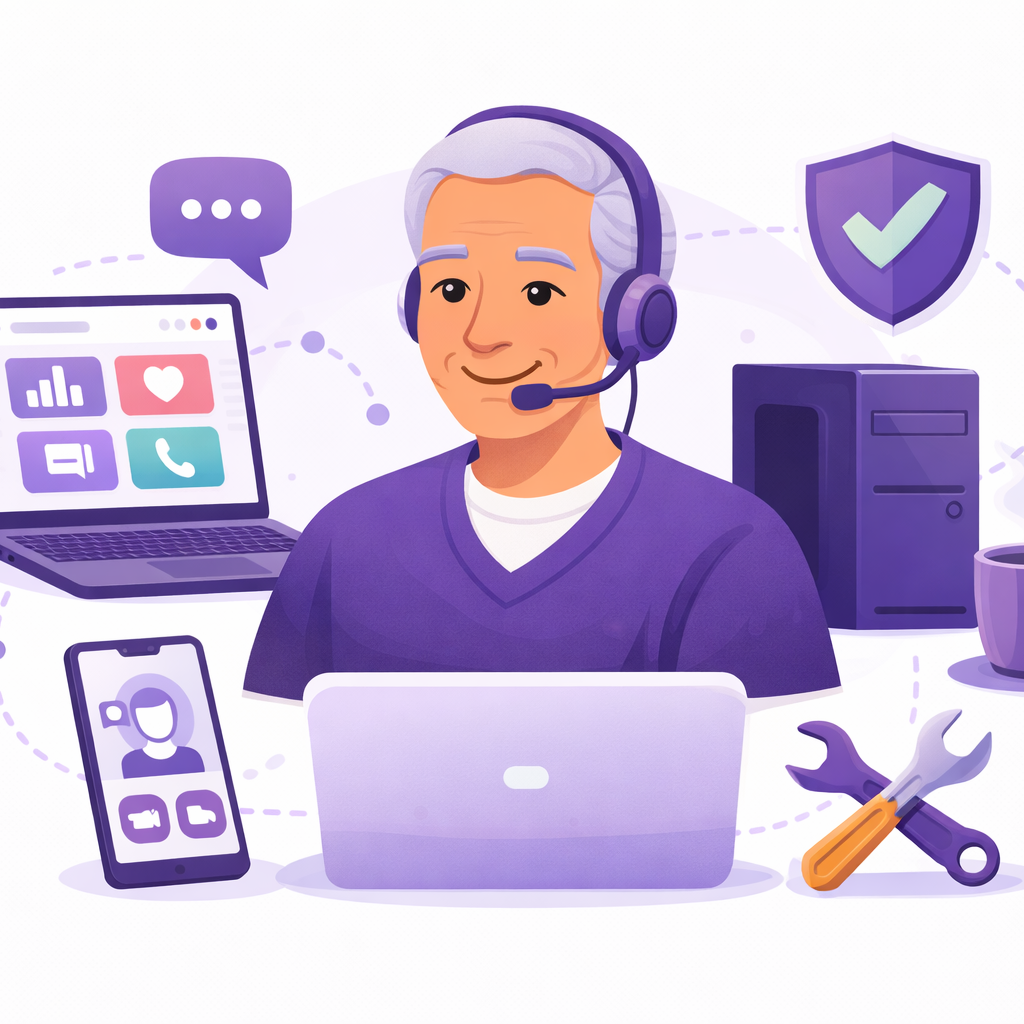
2. Home On-site IT Support
This service is ideal if you…
- Your computer / Smart TV / Printer / WiFi needs installation or is broken.
- You’re seeking un-biased expert advice if purchasing expensive IT devices.
- You’d like confirmation which old devices can be recycled decluttering your residence.
- Require a practical way to backup your digital photos & important documents.
3. Technology Coaching
This service is ideal if you…
- You feel a little overwhelmed by technology.
- Want patient, one-on-one guidance.
- You’re worried about scams or online mistakes.
- You seek to be more independent with phone/computer activities.
- You want clear explanations in plain English with written instructions.

Service Price Snapshot
Technology Coaching
Starting from:
- On-site or nominated place
- One-on-one session
- Friendly walkthroughs
- Confidence builder
IT Support
Starting from:
- On-site visit
- Install new IT devices
- Resolve issues quickly
- Friendly service
Home IT Safety Plan
Priced from:
- On-site visit
- Thorough investigation
- Personalised report
- For units and homes
How does this work?
- Contact me – Tell me what you need.
- Home visit – We’ll work together to solve the problem.
- Feel confident again – Enjoy technology without frustration.

Why clients choose me?
During your visit
- Patient, respectful coaching
-
No technology jargon
-
Step-by-step guidance at your pace
-
Real-world focus on confidence and independence
-
Independent technology solutions that will meet your needs
After your visit
- More confidence using your devices
-
Safer habits online
-
Less stress with everyday technology tasks within your home
-
Peace of mind for you and your family
-
IT solutions that just work
Frequently Asked Questions (FAQs)
I live in a Residential Aged Care. Can you provide IT support here?
Yes. IT support can be provided if you reside in a Residential Aged Care setting. We’ll work with your staff to create an appointment.
Can you make my devices easier to use?
Yes. We simplify your phone, tablet, and computer settings so daily tasks are easier — including larger text, clearer icons, safer defaults, and step-by-step shortcuts tailored to how you use technology.
Can you set up video calls with family or telehealth?
Yes. We set up and test FaceTime, WhatsApp, Zoom, or your preferred platform, and create an easy process so you can reliably join family calls or medical appointments.
What happens if you cannot fix the IT device back to working order?
We charge for expert assessment and support time, not just successful repair outcomes — and if a fix isn’t possible, you still receive clear advice and practical next steps
How long until I receive my Home IT Accessibility Plan?
Once we have arranged a walkthrough session with yourself and have documented all the items required, we will aim to have your individualised plan to you within 5 business days. For the majority of our clients, these reports are provided in 3 – 4 business days.
Based on the Home IT Safety & Accessibility Plan, can you help install devices?
Yes. If you feel either yourself or family members require my assistance to help install, setup, customise your IT / digital products as a result of this comprehensive plan, we can do this as a seperate billable item.
Please note that I do not perform clinical configuration, prescribe settings, or give medical advice on medical equipment.
What do clients say?
“My Wi-Fi and printer actually work properly now — and I understand how to keep them working..”
— Harvey (Mt Eliza)
“The sound from my Blu-ray player to Smart TV wasn’t working. Glen recommended and installed a new one which works great. ”
— Kim (Frankston South)
“My printer wasn’t connecting to WiFi. Glen fixed this quickly even though I don’t use Windows or Mac but a Linux computer.”
— Kerry (Frankston South)
“I didn’t know what laptop I really needed but Glen advised which one was the most suitable. He just made it easy for me”
— Catherine (Frankston)
“Wasn’t able to send emails to a group of friends as Telstra kept blocking them. Glen provided a practical solution to solve my problem.”
— Robin (Frankston South)
“At home, I was having trouble in accessing my company’s web application for work purposes. Turns out, my web browser was always blocking pop-ups which prevented me in performing my work. Glen resolved this pretty quickly. ”
— Sean (Frankston)